


Yocan Kodo Plus 510 Portable Battery
900 mAh
510 cart battery
65 mm
2.4 to 4.0 V
USB-C
Plus surrounding areas · as fast as 45-60 min
Pair It With 🔥


Why Shop With Snack N Munch?
- A real Vancouver shop, run by locals
- Real people pack and deliver your order
- Same-day local delivery, as fast as 45-60 min
- 19+ and carded at the door

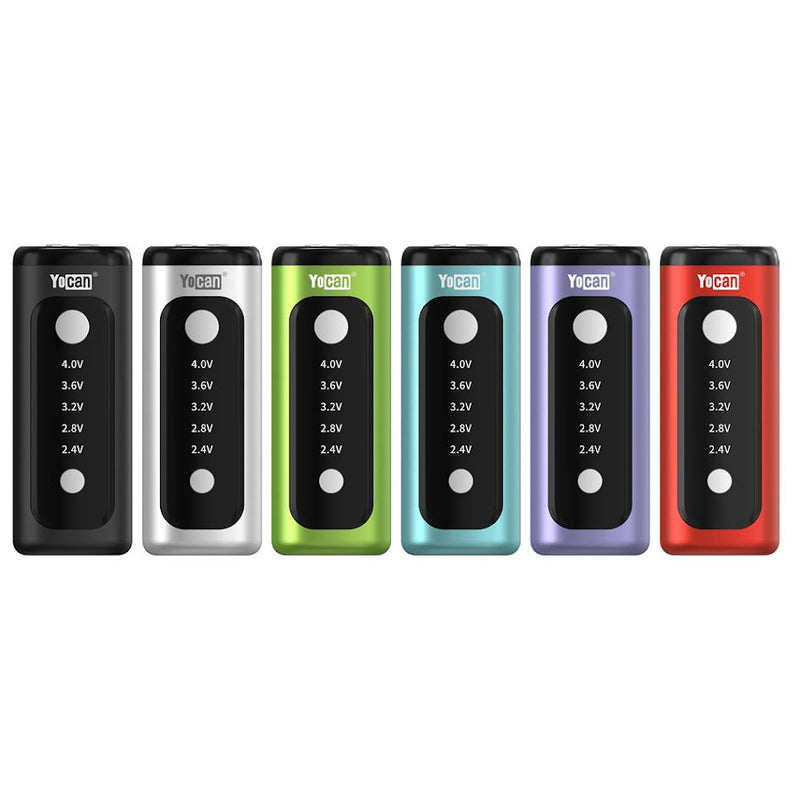
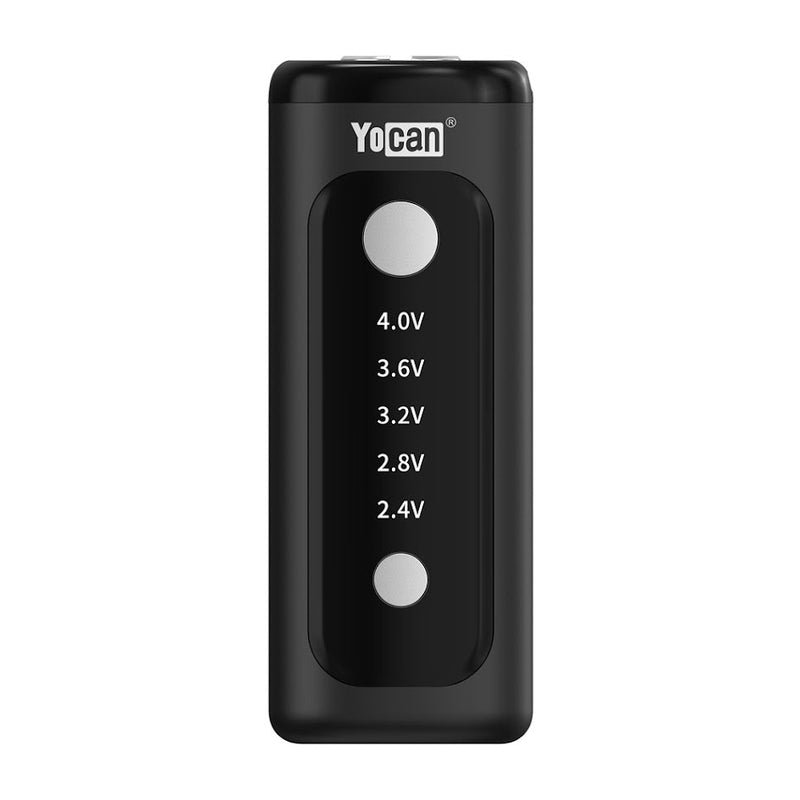
More than twice the battery of the original Kodo is the point of the Kodo Plus. Yocan fitted a 900 mAh cell into an aluminium body 65 mm tall, 25 mm wide and 18 mm thick, so it's a little longer than the Kodo and Kodo Pro but still sits in a closed hand.
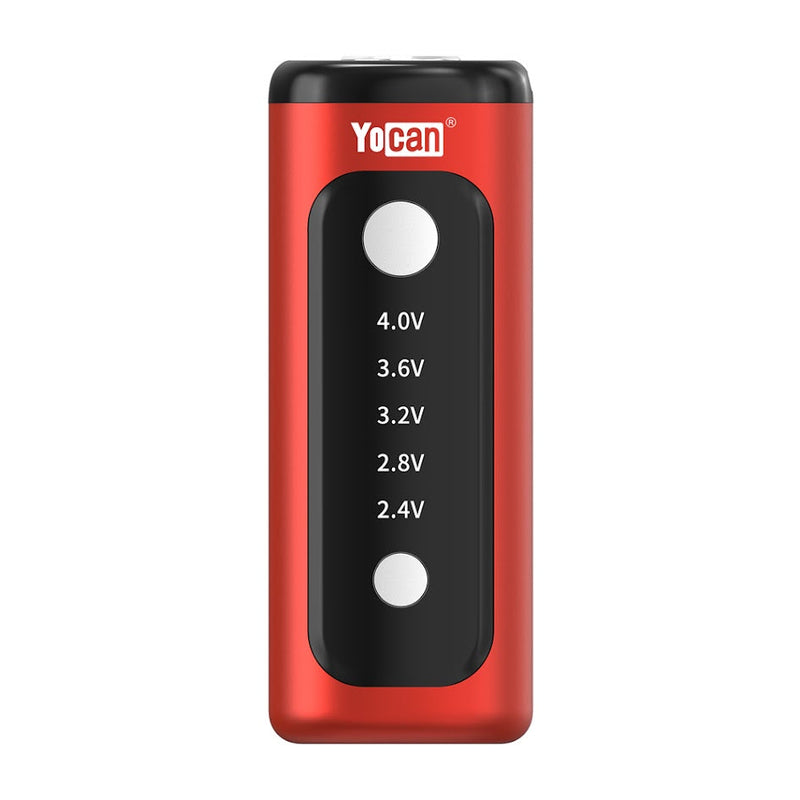
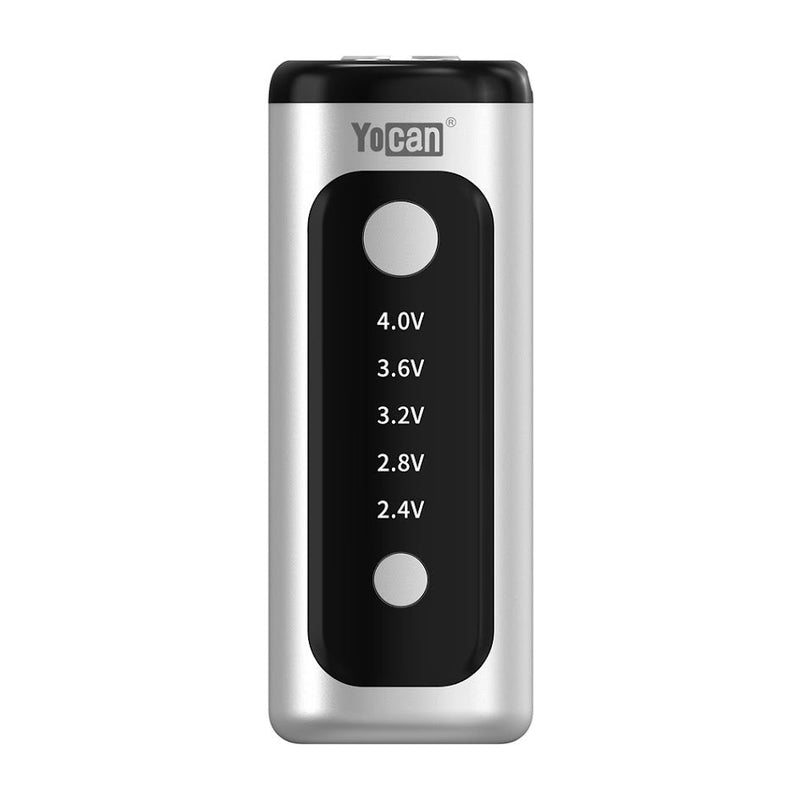
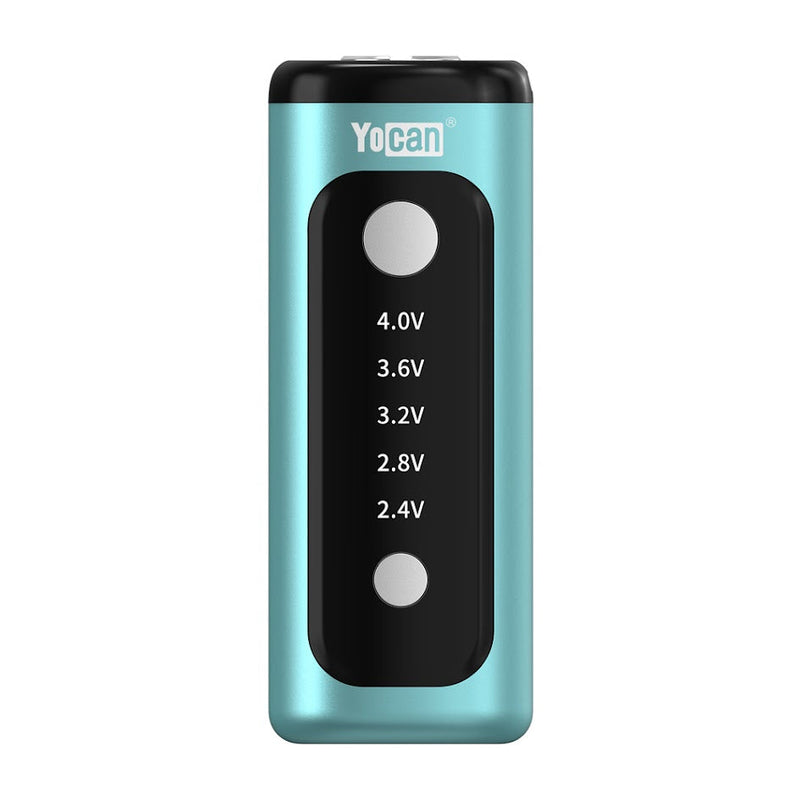
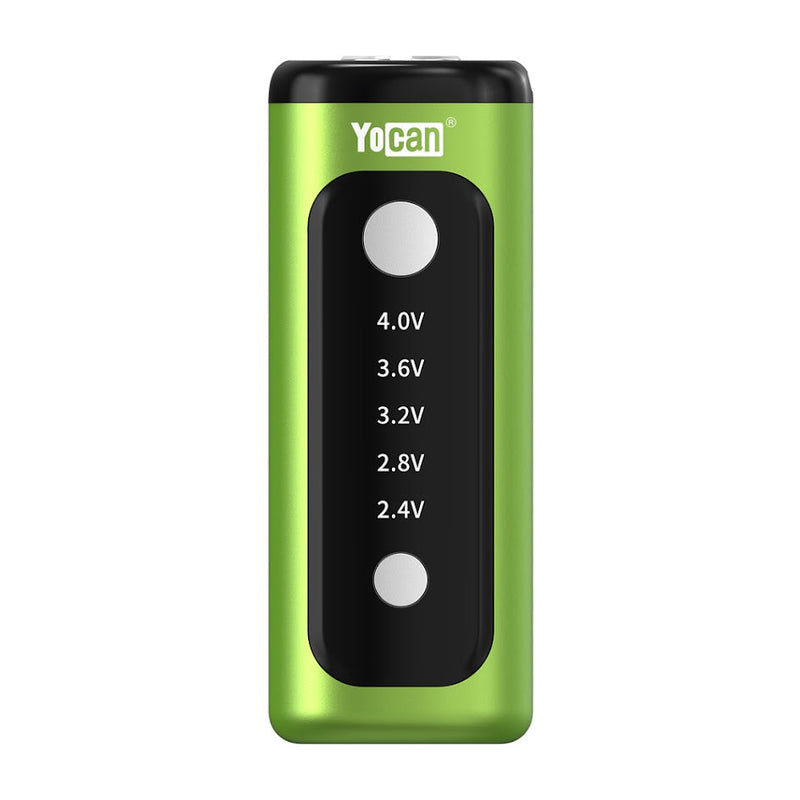
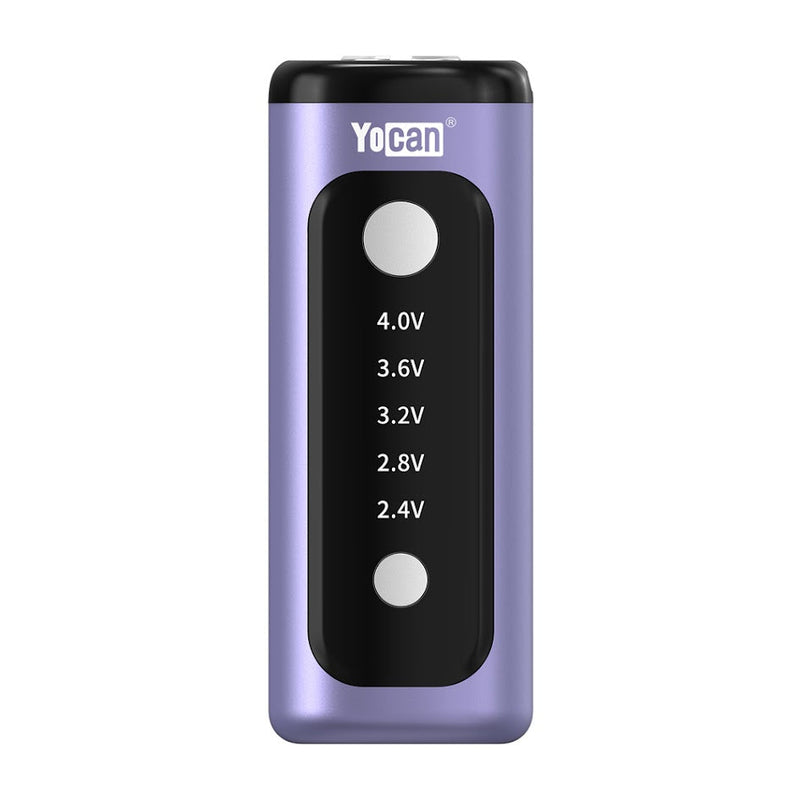
It has two buttons. The top one is power, and two presses run a 10 second preheat at 2.0 V. The bottom one steps through five preset voltages, 2.4, 2.8, 3.2, 3.6 and 4.0 V, one click at a time, with the settings marked down the front. Having a button just for voltage is the main day-to-day difference from the original Kodo, where you triple-press the only button.
There's no screen and no voltage in tenths, which is what the Kodo Pro adds. Five steps cover most carts, though, and the bigger cell means much less charging than either 400 mAh model.
A 15 second cut-off and a one hour auto shutdown are built in. It charges over USB-C, and no cable is included.
Specifications
Frequently asked questions
How do I turn on the Kodo Plus?
Tap the top power button five times quickly, within two seconds. The same five taps turn it off, and it also shuts itself down after an hour left on. If it won't wake up, charge it: the red light stays on while it charges over USB-C and goes out when it's full, which Yocan put at about 70 minutes. Fast charging isn't supported, so a fast phone charger won't speed it up.
Why is my Kodo Plus blinking red or white?
The colour and the count tell you what's wrong. Red flashing five times means a short circuit, so take the cart off, clean the contacts and refit it. Red flashing ten times means the battery is low and it has stopped until you charge it. White flashing three times means it can't detect a cart. White flashing five times is the 15 second cut-off after a long draw, which is normal. A steady red light while plugged in just means it's charging.
How do I change the voltage and use the preheat?
Click the bottom button once to move to the next setting, cycling 2.4, 2.8, 3.2, 3.6 and 4.0 V, with the levels marked down the front. To vape, press and hold the top power button. For the preheat, tap the top button twice and it warms the cart at 2.0 V for 10 seconds, and two more taps stop it early. Start on 2.4 V with a new cart and step up only if the draw comes through thin.
Kodo Plus vs Kodo Pro: which should I get?
The Kodo Pro has an OLED screen and voltage you set in tenths from 1.8 to 4.2 V, but only 400 mAh. The Kodo Plus has no screen and five fixed steps from 2.4 to 4.0 V, with 900 mAh, more than double the battery, in a body 65 mm tall. If you care about exact settings, take the Pro. If you mostly want to charge less often, take the Plus.
Is this the Kodo Plus Zodiac Edition?
No. Yocan sell two versions of the Kodo Plus, and ours is the Original Edition, with five presets from 2.4 to 4.0 V in the six colours we stock: Teal, Light Purple, Green, Red, Black and Silver. The Zodiac Edition has a wider range of 1.8 to 4.2 V and comes only in Black, Silver and Pink. Everything on this page, from the voltages to the 70 minute charge, describes the Original Edition.
How fast can a Kodo Plus get to me in Vancouver?
Order between 8 AM and 10 PM and it's delivered the same day anywhere in Greater Vancouver. Within Vancouver that's often 45 to 60 minutes, and the other cities in the area can take longer. After 10 PM it goes out the next day. Elsewhere in Canada we ship in discreet packaging, and our Commercial Drive store is open around the clock.
Customer Reviews
Customers Also Bought


